Home / Help
Voicemod Pro FAQ
Most tickets are the same two bugs: the chat app still has the headset selected, or Discord and Pro both run noise removal.
Download for Free How to download
ZIP password: voicemod
- Windows & macOS
- Discord, games, OBS
- Voice changer + soundboard
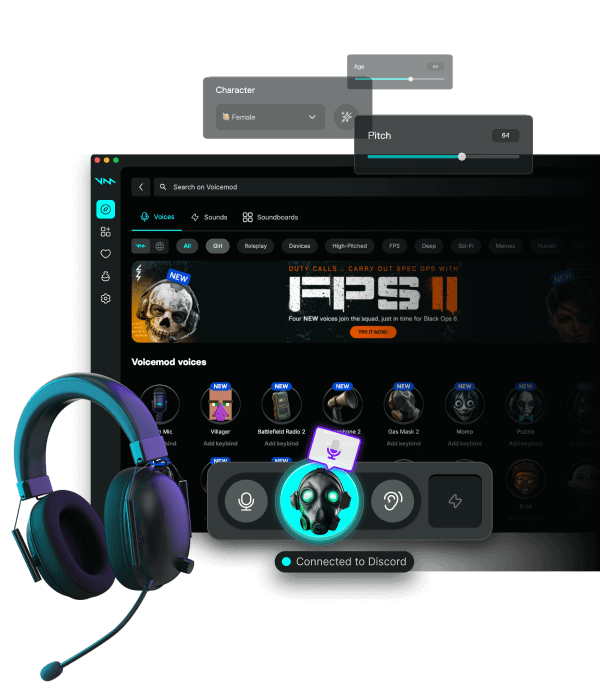
Virtual mic missing
Reboot once after install. Windows Sound → Recording should list Voicemod. Disable exclusive mode on USB headsets. Then fully quit Discord.
Chipmunk or pumping voice
Turn off Discord voice processing while a Pro mask is on. One gate. Watch 48 kHz on every device.
Billing and licenses
We do not sell Pro seats. Open the app account for plans and refunds.
FAQ
Where do I download Voicemod Pro?
Use the Download page on this site.
Discord still hears my headset
User Settings → Voice → Input Device → Voicemod. Restart Discord. Turn off Discord noise suppression while testing a mask.
Need more help?
Open the Discord, Windows, or How to download guides.