Home / Discord
Voicemod Pro in Discord
Discord is the main reason people install a voice changer. User Settings → Voice & Video → Input Device → Voicemod. Turn off Discord noise suppression and echo cancellation while a Pro mask is live — two processors in a row crush consonants.
Download for Free How to download
ZIP password: voicemod
- Windows & macOS
- Discord, games, OBS
- Voice changer + soundboard
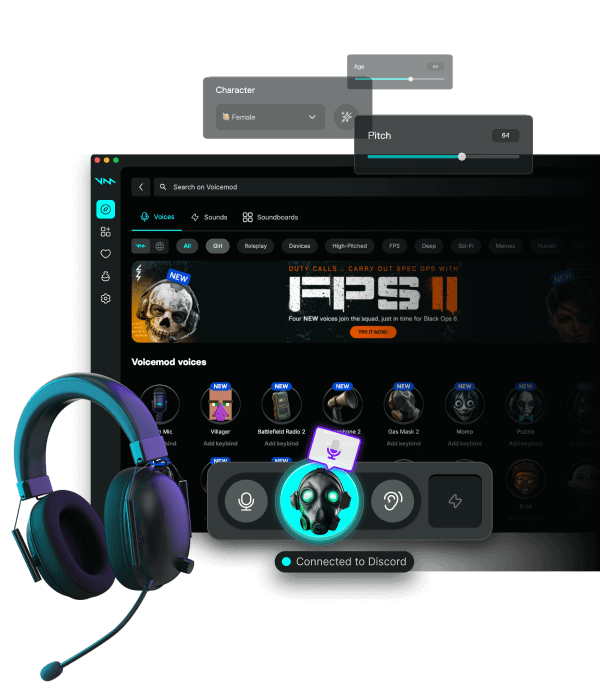
Exact clicks
Install the desktop app. Open Discord. Input Device: Voicemod. Output stays your headset. Let's Check can stay on. If the list is empty, fully quit Discord from the tray and open it again.
Stage channels, Zoom, Meet, TeamSpeak
Stage uses the same Discord input. Zoom, Google Meet, Slack huddles, Telegram Desktop, and TeamSpeak are the same idea: pick the Voicemod device inside that app. We folded those thin pages into this guide plus Discord, because the bug is always 'wrong device selected'.
Soundboard on the same mic
Hotkeys in Pro fire into the virtual mic Discord already hears. Do not also capture the headset in OBS or viewers get a double. Keep binds off Discord overlay keys.
48 kHz and exclusive mode
Match 48 kHz on the headset, Pro, and Discord if a rate is shown. USB exclusive mode can hide the virtual device — disable it on the headset in Windows.
FAQ
Why does Discord still use my headset?
The client cached the old device. Set Voicemod, then fully quit Discord (tray too) and reopen. Set Input Sensitivity manually if attenuation fights the mask.
Should Discord Krisp stay on?
No, not together with Pro's suppressor. Pick one.
Do soundboard clips reach Discord?
Yes. Hotkeys in Pro fire into the same virtual mic Discord already uses.