Home / Soundboard
Soundboard on the same mic
Clips and speech share one Voicemod Pro device. You do not add a second cable. Bind pads in the app, then make sure Discord and OBS listen to Voicemod — not the headset.
Download for Free How to download
ZIP password: voicemod
- Windows & macOS
- Discord, games, OBS
- Voice changer + soundboard
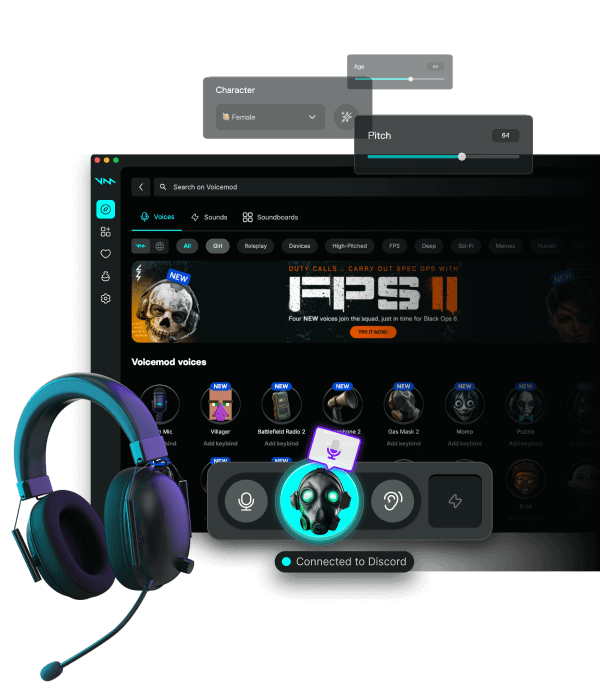
Bind in Pro, not in the game
Assign hotkeys inside Voicemod Pro. Exclude those keys from Discord overlay and from build/shop binds. Keep a panic key that returns to a silent board plus clean mic.
Discord and OBS
Discord already hears the virtual mic, so board hits land in the call. OBS needs Audio Input Capture → Voicemod. If OBS also captures the headset, viewers hear a double.
Rights
Meme packs can match Content ID on Twitch and YouTube. Use clips you licensed. Your processed speech is usually fine; radio songs are not.
Profiles
A ranked profile with an empty board, a stream profile with a few reactions. Switch without restarting Discord.
FAQ
Why is the board quiet for viewers?
The clip went to Discord while OBS was still on the headset mic. Point OBS at Voicemod.
Can I hide memes from the VOD?
Only with split routing. Default Pro mixes voice and board on one device.