Home / AI voices
Live AI voices
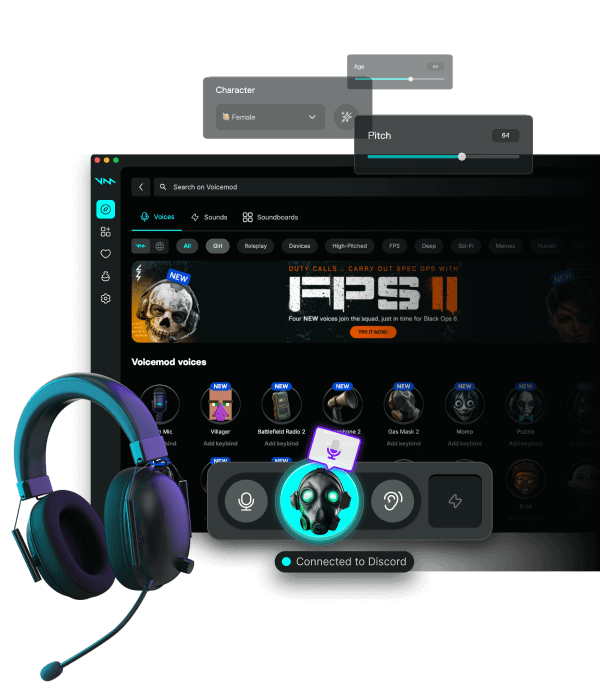
Offline editors bounce a take after you record. Voicemod Pro AI voices run while you talk, so Discord and games hear the result on the same call. Packs download inside the app — we do not host models.
Download for Free How to download
ZIP password: voicemod
- Windows & macOS
- Discord, games, OBS
- Voice changer + soundboard
Latency
AI packs cost more CPU than a pitch shifter. Close extra browsers, use a small buffer, keep a classic filter as backup for ranked.
Where it shows up
The virtual mic is the output. Zoom, OBS, and Valorant do not load the AI model — they only hear the device.
When to skip AI
Long raids on a laptop, or when two noise removers are already in the chain. Switch to a light preset.
Ethics
Do not clone a real person. Comedy and character voices are the point.
FAQ
Do I need the cloud for every word?
Packs download with the app. Real-time playback is local after that.
Can I record the dry mic too?
Yes, in a DAW, if you capture the hardware input on a second track. Discord still hears Pro.