Home / macOS
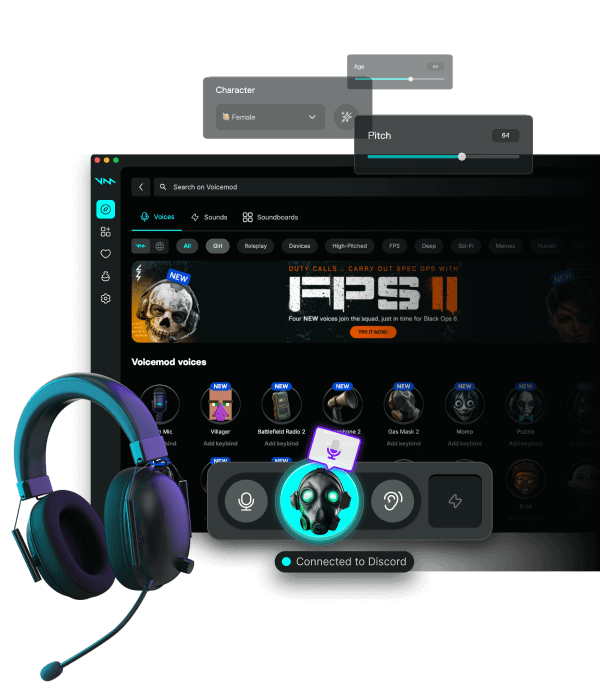
Voicemod Pro on macOS
macOS 13 and later. Grant microphone access, then route Discord, Zoom, and OBS through the Voicemod device.
Download for Free How to download
ZIP password: voicemod
- Windows & macOS
- Discord, games, OBS
- Voice changer + soundboard
Permissions
System Settings → Privacy & Security → Microphone. Allow Voicemod. Then pick Voicemod under Sound → Input and again inside Discord or OBS. On Apple silicon, restart the calling app after the first prompt.
Discord and OBS
Discord input must be Voicemod, not the MacBook mic. OBS: Audio Input Capture → Voicemod. Do not stack two noise removers.
iPhone is not this install
The desktop virtual mic does not appear on iOS. Phone calls stay on the phone mic.
FAQ
Voicemod missing in Discord on Mac?
Grant mic permission, quit Discord fully, reopen, then select the device. Repeat after OS updates.
Intel vs Apple silicon?
Both can run the Mac build. Always use the publisher installer, not a random PKG.