Home / Streaming
Stream the virtual microphone
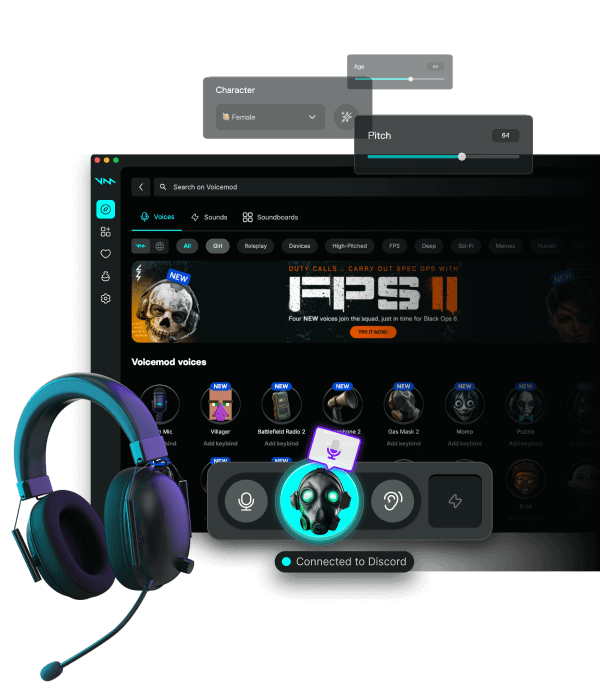
Viewers should hear the same voice as Discord: one Audio Input Capture pointed at Voicemod. Desktop audio stays for the game. Twitch, YouTube Live, Kick, and TikTok LIVE on PC all inherit that OBS (or Twitch Studio) path.
Download for Free How to download
ZIP password: voicemod
- Windows & macOS
- Discord, games, OBS
- Voice changer + soundboard
OBS
Add Audio Input Capture → Voicemod. Monitor in Advanced Audio Properties if you need it. Skip a second noise gate. Do not use Application Audio Capture on Voicemod and a mic capture together.
Twitch VOD and YouTube Content ID
Put the same Voicemod source on the VOD track. Meme clips can match Content ID — use packs you licensed. Your processed speech is usually fine; songs are not.
Kick, TikTok LIVE, podcasts
Kick Studio and YouTube ingest follow the same device rule. Phone TikTok LIVE cannot see a Windows virtual mic. Podcast hosts (Riverside, Zoom) should pick Voicemod, not 'headset mic'.
ASMR and quiet streams
Drop the aggressive gate. A mild mask, closed-back headphones, no meme bank on the same keys you use for talk.
FAQ
Why is the soundboard quiet on the VOD?
Clips went to Discord while OBS still captured the headset. Point OBS at Voicemod.
Do I need a second virtual cable?
Not for the default Pro mix. Voice and board already share one device.