Home / Twitch
Voicemod Pro on Twitch
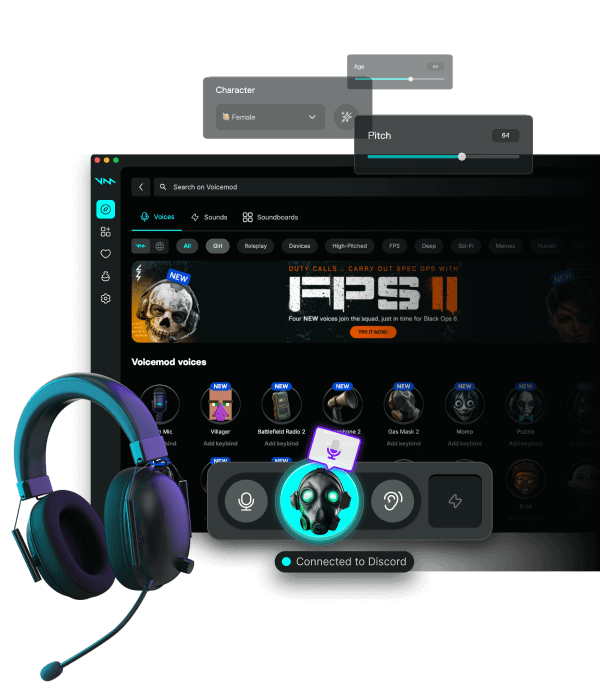
Twitch does not load Voicemod as a plugin. OBS or Twitch Studio must capture the virtual microphone. Viewers and Discord then hear the same processed voice.
Download for Free How to download
ZIP password: voicemod
- Windows & macOS
- Discord, games, OBS
- Voice changer + soundboard
OBS path
Audio Input Capture → Voicemod. Mute the hardware mic in OBS. Desktop audio stays for game sound. Sync offset if game audio is late.
Twitch Studio
Select Voicemod as the mic. Do not also enable the headset. Test with a whisper so you do not blast a mask into raid chat by accident.
VOD track
If you use a VOD track, put the same Voicemod source on it. Content ID on meme songs still applies.
FAQ
Chat hears the mask, VOD does not?
The VOD track is still on the headset. Duplicate the Voicemod source onto that track.
Twitch vs Kick vs YouTube?
Same OBS device. Platform ingest is separate. See the streaming hub for YouTube and Kick notes.